Best Webflow Agencies for WordPress to Webflow Migration (2026)

Key Takeaways
- The right Webflow agency does more than migrate, it protects your SEO, rebuilds your CMS properly, and improves performance.
- A solid migration process includes content audits, URL mapping, 301 redirects, and post-launch monitoring.
- Not all agencies are equal. Some focus on design, while others specialize in complex CMS migrations or SEO-heavy projects.
- WordPress to Webflow migration is a chance to simplify your tech stack and reduce plugin dependency and maintenance overhead.
- Costs and timelines vary based on CMS complexity, blog size, and whether redesign or CRO improvements are included.
- The best agencies don’t just rebuild your site, they set it up for long-term growth with scalable CMS and better performance.
Migrating from WordPress to Webflow sounds simple until you realize you’re not just moving a website, you’re untangling years of content, plugins, SEO decisions, and workarounds. Most companies don’t struggle with starting a migration, they struggle with doing it without breaking what already works.
The best Webflow agencies for WordPress migration understand this deeply. They don’t treat migration like a copy-paste exercise. They treat it like a rebuild: restructuring your CMS, cleaning up technical debt, preserving your SEO equity, and designing a system your team can actually use without relying on developers every week.
This is where most migrations go wrong. Content gets moved, but not organized. Redirects are missed. Blog structures break. And suddenly, a “better” platform creates more friction than the one you left. Choosing the right agency isn’t about who can move content fastest, it’s about who can move your entire system without losing performance, rankings, or momentum.
In this guide, we’ve shortlisted six Webflow agencies that consistently get this right whether you’re a B2B SaaS company with hundreds of blog posts, or a growing team trying to get out of WordPress plugin chaos for good.
What to expect from a WordPress to Webflow migration
Most teams start a migration thinking they’re upgrading tools. In reality, they’re redesigning how their entire website works. What looks like a platform switch on the surface is actually a shift in how content is structured, how pages are built, and how your team interacts with the site day-to-day.
This is also why migrations feel risky. You’re not just moving pages: you’re touching SEO, performance, CMS logic, and often years of accumulated decisions inside WordPress. Done poorly, it can break rankings and workflows. Done right, it removes years of technical debt and makes your site significantly easier to scale.
A WordPress to Webflow migration isn’t a “transfer.” It’s a transformation. The way content is stored, structured, and managed in Webflow is fundamentally different from WordPress which means every good migration involves decisions, not just execution.
Here’s what actually happens behind the scenes (and what a good agency will handle for you):
1. Content migration: what moves easily vs. what doesn’t
At a surface level, your content can be exported from WordPress: posts, pages, images, categories. But that doesn’t mean it cleanly fits into Webflow.
- What transfers relatively easily:
Blog posts, basic pages, text content, images - What usually needs manual work:
Page layouts, shortcodes, plugin-based content (forms, sliders, tables), custom post types
This is where many migrations break. WordPress often relies on plugins and themes to “assemble” pages. Webflow doesn’t. So instead of copying layouts, agencies rebuild them: cleaner, lighter, and more flexible.
2. CMS restructuring: this is the real migration
This is the most important and most overlooked part of the process.
WordPress organizes content using posts, pages, categories, and custom post types. Webflow uses Collections, which are more flexible but require intentional structuring.
A good agency will:
- Map your existing content into logical Webflow collections (e.g., blog, case studies, integrations, resources)
- Redesign how content relates to each other (tags, filters, dynamic pages)
- Simplify bloated or redundant structures created over time in WordPress
This isn’t migration. This is re-architecture and it’s what makes Webflow easier to manage long-term.
3. SEO preservation: where migrations succeed or fail
The biggest fear with any migration is losing SEO and it’s valid.
A proper migration includes:
- 301 redirect mapping (old URLs → new URLs)
- Preserving URL structures where possible
- Migrating meta titles, descriptions, alt tags
- Maintaining canonical tags
- Re-submitting sitemaps and monitoring indexing
If this step is rushed or skipped, rankings can drop overnight. If done right, most sites maintain or even improve their SEO performance post-migration.
4. Performance gains: why teams move to Webflow
One of the biggest reasons companies leave WordPress is performance.
Webflow typically delivers:
- Faster load times (built-in CDN)
- Cleaner code (no plugin bloat
- Better Core Web Vitals out of the box
- Reduced reliance on third-party performance fixes
In WordPress, performance is something you optimize. In Webflow, it’s something you start with.
5. Timeline reality: how long it actually takes
Migration timelines vary based on content volume, complexity, and how much restructuring is needed.
- Small sites (10–20 pages): 4–6 weeks
- Mid-sized sites (50–150 pages + blog): 6–10 weeks
- Large sites (200+ pages, complex CMS): 10–16 weeks
Rushed migrations usually lead to broken pages, missed redirects, and poor CMS setup. A well-executed migration takes time because it’s not just about moving content, it’s about setting up a better system for everything that comes after.
The takeaway: if an agency is treating your migration like a simple export-import job, that’s a red flag. The real value of moving to Webflow isn’t just the platform, it’s the opportunity to rebuild your site properly.
Quick comparison
If you’re evaluating agencies quickly, this is the snapshot that matters. Each of these teams can handle a WordPress to Webflow migration but they differ in how deeply they approach CMS restructuring, how seriously they treat SEO, and whether they’re built for simple moves or complex rebuilds.
Use this table to narrow your shortlist based on your actual situation, not just brand recognition.
This comparison isn’t about who’s “best” overall, it’s about who’s best for the type of migration you’re actually dealing with.
The 6 best agencies for WordPress to Webflow migration
Most agencies can migrate a website. Very few can migrate it without breaking what matters: your SEO, your content structure, and your team’s ability to manage the site after launch.
The difference shows up after the migration. Some agencies leave you with a Webflow site that looks better but is harder to manage. Others rebuild your CMS, clean up years of WordPress complexity, and set you up with a system that actually scales with your team.
The six agencies below stand out because they don’t treat migration as a technical task, they treat it as a strategic reset. Whether you’re dealing with a complex blog, custom post types, or an underperforming site you want to fix along the way, these are the teams best equipped to handle it.
1. Amply
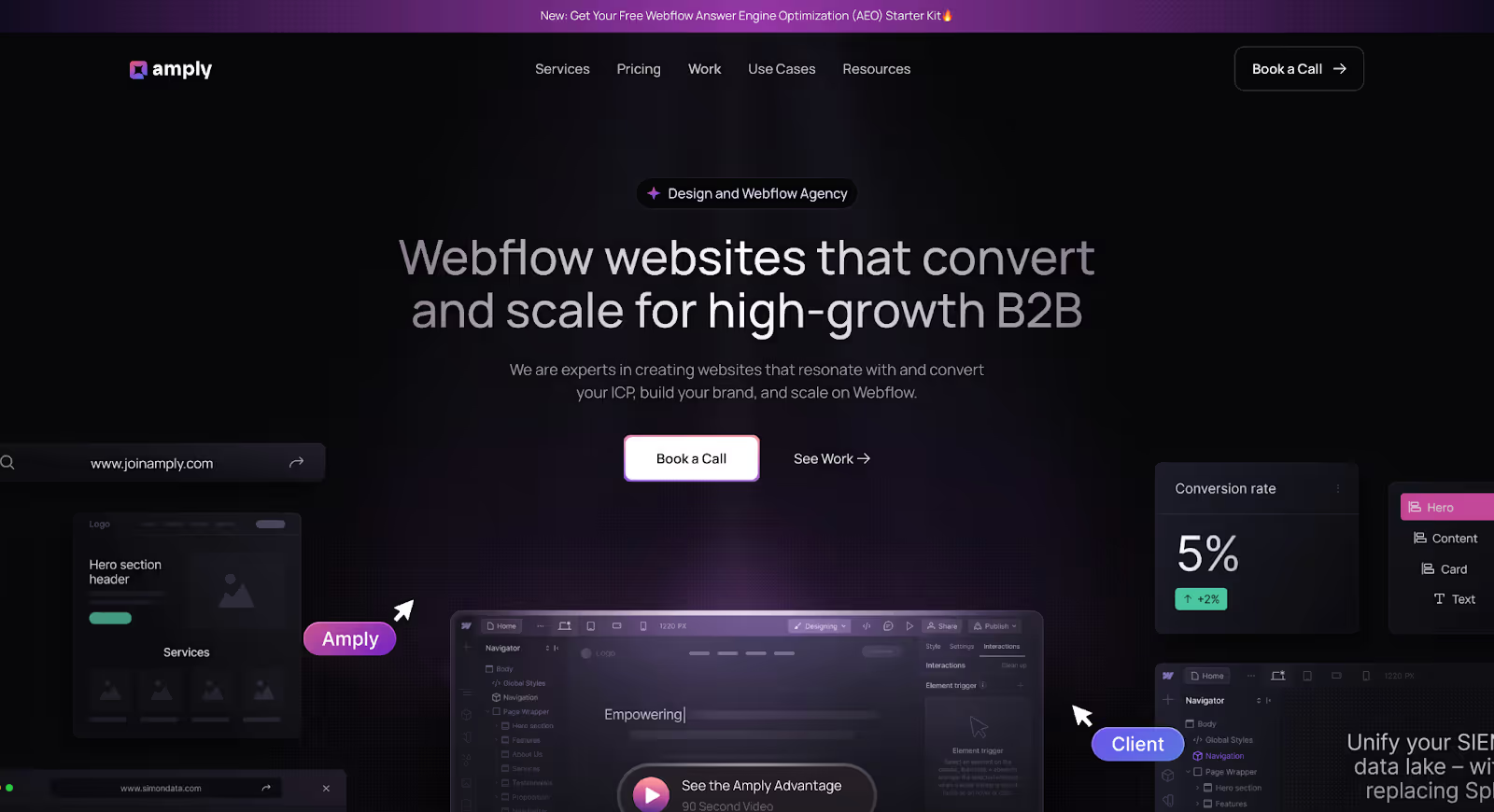
Amply is a Webflow-focused agency that works primarily with B2B and SaaS companies that have outgrown WordPress. Their positioning is clear: they don’t just design websites, they rebuild them into scalable marketing systems that reduce developer dependency and support faster growth.
For companies sitting on years of blog content, complex page structures, and SEO equity tied to WordPress, Amply approaches migration as a strategic reset, not a technical task. The focus isn’t just on getting you to Webflow, it’s on making sure what you move is cleaner, faster, and easier to manage long-term.
For B2B and SaaS companies specifically, this makes them one of the strongest choices for WordPress to Webflow migration. They understand how content-heavy, SEO-driven sites work and how easily migrations can break them if handled superficially.
- Treats migration as a rearchitecting project, not just a content move
- SEO migration is built into the process: redirects, URL structure, metadata, and indexing handled from day one
- Rebuilds CMS collections properly for Webflow, ensuring scalability (blogs, case studies, integrations, resources)
- Post-migration support included, so your team isn’t left figuring out Webflow alone
Best for:
- B2B SaaS and enterprise companies migrating from WordPress
- Teams with large content libraries (blogs, case studies, resources)
- Companies looking to reduce developer dependency and scale marketing faster
What they include:
- Content audit and migration planning
- CMS architecture and collection setup
- UI/UX design and Webflow development
- Full SEO migration (redirects, metadata, URL structure)
- QA, testing, and launch support
- Post-launch training and handoff
Additional Read: Learn more about Amply's WordPress to Webflow Migration process.
2. Flow Ninja
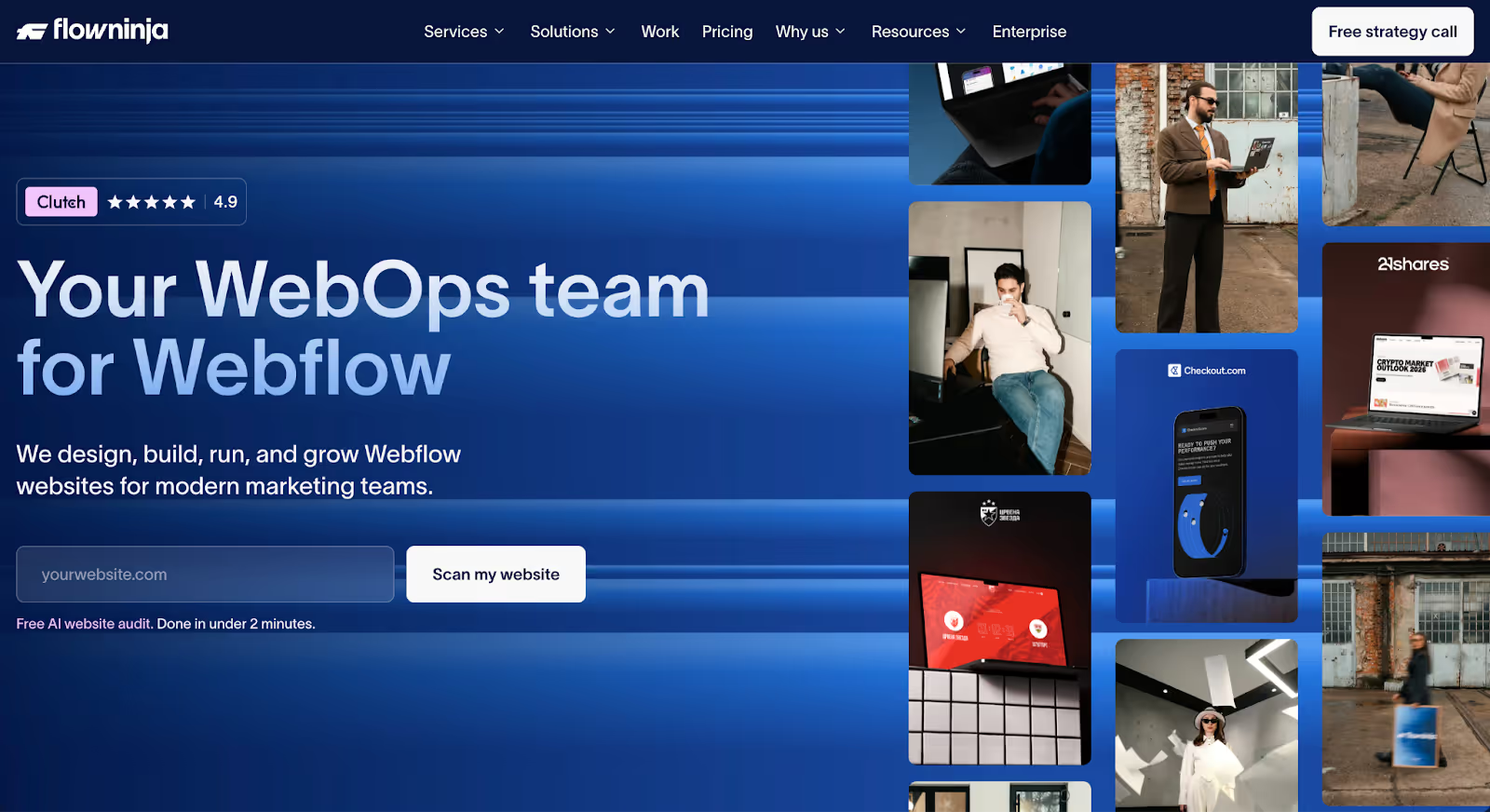
Flow Ninja is a Webflow Enterprise Partner known for long-term client relationships rather than one-off projects. While they handle migrations effectively, their real strength shows up after the site goes live, making them a strong choice for teams that need continuous updates, iterations, and support.
For companies that publish frequently or rely heavily on their website as an ongoing growth channel, migration is just the starting point. Flow Ninja’s model is built around that reality, combining migration with a retainer-based partnership so your site keeps evolving post-launch.
- Strong in ongoing Webflow partnerships, not just one-time builds
- Migration + retainer model, ideal for teams with continuous website needs
- Reliable delivery systems, suited for companies with steady publishing cycles
Best for:
- Companies that need ongoing Webflow support after migration
- Marketing teams publishing content regularly
- Businesses looking for a long-term agency partner rather than a one-off project
What they include:
- WordPress to Webflow migration support
- Webflow design and development
- Ongoing maintenance and updates (retainer-based)
- Iterative improvements post-launch
- Support for scaling content and landing pages
3. Finsweet
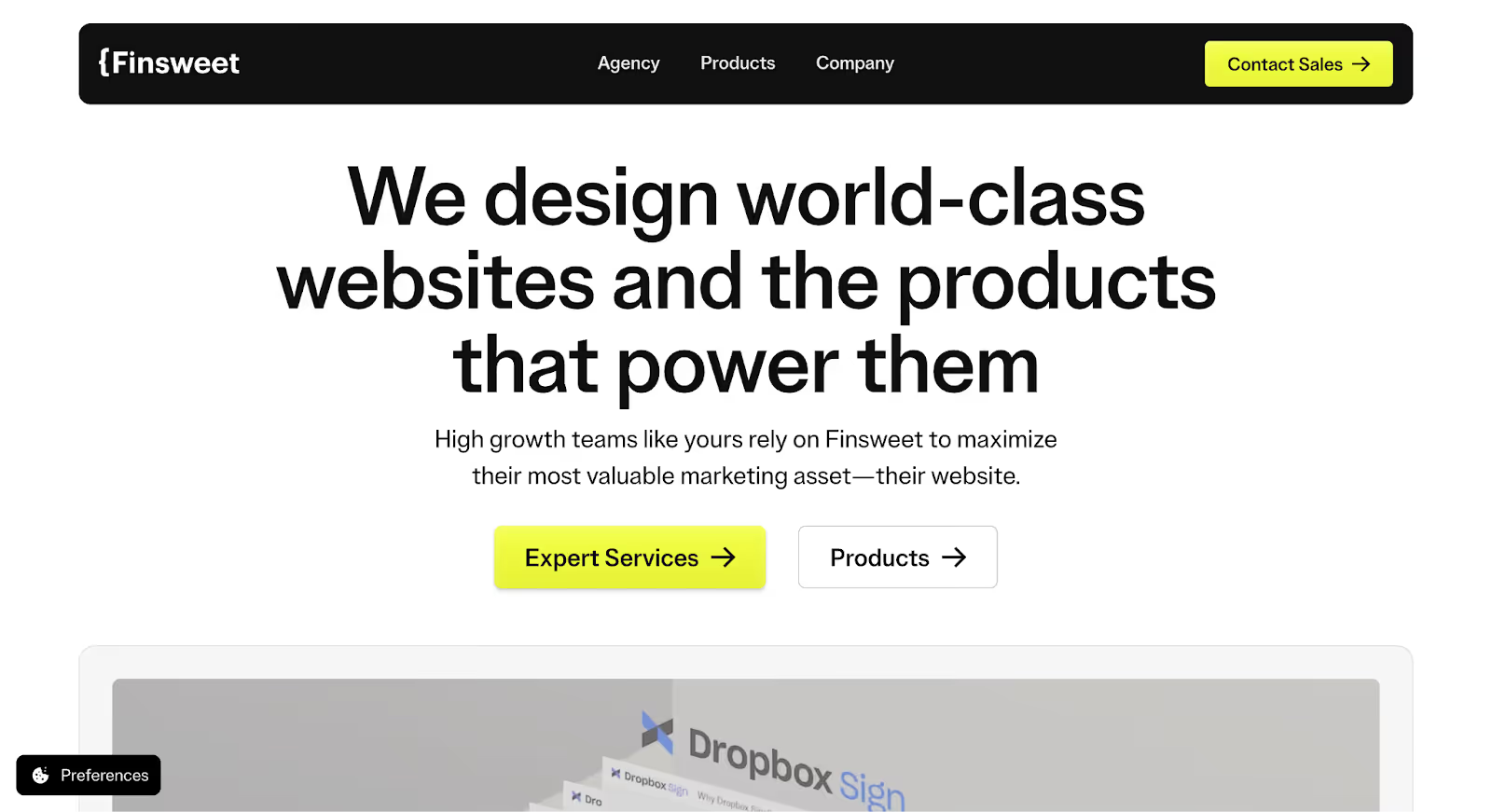
Finsweet is widely known in the Webflow ecosystem for pushing the platform beyond its default limits. They’re not just a Webflow agency: they’re builders of systems, frameworks, and tools that make complex implementations possible inside Webflow.
This makes them a strong choice when your WordPress site isn’t straightforward. If you’re dealing with custom post types, deeply nested taxonomies, or heavy plugin dependencies, a basic migration approach won’t work. Finsweet approaches these projects with a high level of technical depth, rebuilding complex logic in Webflow without compromising flexibility.
- Deep expertise in complex CMS rebuilds, especially for non-standard WordPress setups
- Strong problem-solving capability for plugin-heavy or highly customized sites
- Known for the Client-First framework, which ensures scalable, maintainable builds
- Uses advanced Webflow attributes and custom solutions to replicate complex functionality
Best for:
- Websites with custom post types, taxonomies, or complex data relationships
- Teams relying on multiple WordPress plugins that need to be replaced in Webflow
- Projects where standard Webflow builds aren’t sufficient
What they include:
- Technical audit of existing WordPress structure
- Advanced CMS architecture and logic rebuilding
- Custom Webflow development using Client-First methodology
- Implementation of advanced interactions and attributes
- Scalable system setup for long-term maintainability
4. Creative Corner Studio
Creative Corner Studio is a Webflow Enterprise Partner with a strong track record of handling large-scale, high-stakes website projects. With 300+ projects completed, they bring a level of process maturity that’s especially valuable for enterprise migrations where multiple stakeholders, systems, and integrations are involved.
For enterprise teams, a migration isn’t just about the website, it’s about how the site connects to the rest of the business. Creative Corner Studio stands out for their ability to align Webflow with tools like HubSpot, ensuring your marketing, sales, and CRM workflows stay intact (or improve) after the move.
- Proven experience with enterprise-scale migrations, across complex websites
- Webflow Enterprise Partner, with structured delivery processes
- Strong HubSpot integration expertise, bridging website and CRM systems
- Handles multi-stakeholder projects, common in larger organizations
Best for:
- Enterprise companies migrating from WordPress to Webflow
- Teams using HubSpot or similar CRMs that need tight integration
- Organizations with complex internal workflows and multiple stakeholders
What they include:
- End-to-end WordPress to Webflow migration
- Enterprise-grade CMS structuring
- HubSpot and CRM integrations
- Design and development aligned with brand systems
- QA, compliance checks, and structured launch processes
5. Veza Digital
Veza Digital approaches WordPress to Webflow migration with a growth-first mindset. Instead of treating migration as a standalone technical project, they position it as an opportunity to fix what isn’t working, whether that’s underperforming pages, weak conversion paths, or missed SEO potential.
This makes them a strong fit for companies that don’t just want a new platform, but also want better results from their website post-migration. Their work typically combines migration with conversion optimization and SEO strategy, ensuring the new site performs better—not just looks better.
- Combines migration with SEO strategy and CRO, improving performance alongside the move
- Focus on fixing underperforming pages, not just transferring them
- Growth-oriented approach, aligning website structure with marketing goals
Best for:
- Companies using migration as an opportunity to improve conversions and SEO
- Teams with underperforming websites that need more than just a platform switch
- Businesses looking for a growth-focused Webflow partner
What they include:
- WordPress to Webflow migration
- SEO strategy and on-page optimization
- Conversion rate optimization (CRO) improvements
- Page redesigns based on performance gaps
- Ongoing growth support and iteration
6. BX Studio
BX Studio is a practical choice for companies that don’t need heavy CMS rearchitecture or complex technical rebuilds. Their strength lies in executing clean, reliable migrations paired with thoughtful redesigns without overcomplicating the process.
If your WordPress site is relatively simple and your goal is to move to Webflow while improving the visual design and usability, BX Studio offers a balanced approach. They focus on getting the fundamentals right: structure, design, and functionality without unnecessary complexity.
- Practical and reliable execution, focused on clean delivery
- Combines migration with redesign, improving both structure and visuals
- No overengineering, ideal for simpler websites
Best for:
- Small to mid-sized websites without complex CMS requirements
- Companies looking for a straightforward migration with a design refresh
- Teams that want a simpler, faster transition to Webflow
What they include:
- WordPress to Webflow migration
- UI/UX redesign and layout improvements
- Basic CMS setup and structuring
- Essential SEO handling (meta, redirects where needed)
- QA, testing, and launch support
What a WordPress to Webflow migration actually involves
Most migrations look simple from the outside: export content, import content, go live. In reality, that approach is exactly what causes broken pages, lost rankings, and messy CMS setups.
A proper WordPress to Webflow migration follows a structured process because every step impacts something critical, from SEO to how your team manages content after launch. This is the behind-the-scenes workflow good agencies follow (and what separates a smooth migration from a painful one):
1. Content audit: what exists, what to migrate, what to cut
Before anything moves, the entire site is audited.
This includes:
- Identifying all pages, blog posts, and media assets
- Flagging outdated, duplicate, or low-value content
- Deciding what should be migrated, updated, consolidated, or removed
This step is crucial because most WordPress sites accumulate clutter over time and migration is the best moment to clean it up.
2. CMS mapping: matching WordPress structure to Webflow
Next comes the core architectural step: translating your WordPress setup into Webflow’s CMS.
- WordPress post types → Webflow collections
- Categories/tags → structured fields or reference systems
- Custom post types → custom CMS collections
This isn’t a direct match. It requires rethinking how content is structured so it’s easier to manage in Webflow long-term.
3. Redirect planning: preserving SEO equity
Before development even begins, a redirect plan is created.
This includes:
- Mapping every existing URL to its new Webflow equivalent
- Identifying pages that are being removed or consolidated
- Ensuring no high-value pages are left without redirects
This step protects your rankings. Without it, you risk losing years of SEO progress overnight.
4. Design and development in Webflow
Once the structure is defined, the site is rebuilt in Webflow.
- Page layouts are redesigned or improved
- CMS templates are created (blog, case studies, etc.)
- Interactions and responsiveness are implemented
This is where the site becomes cleaner, faster, and more scalable compared to the WordPress version.
5. Content migration: manual or semi-automated
Content is then moved into Webflow.
- Bulk import for structured content (blogs, CMS items)
- Manual migration for complex pages or layouts
- Formatting adjustments to ensure consistency
Even with automation, this step requires careful review, especially for formatting, links, and media.
6. QA and testing: catching what breaks before launch
Before going live, the entire site is tested.
- Broken links and missing assets
- SEO elements (meta tags, alt text, canonical tags)
- Responsiveness across devices
- CMS functionality and filters
This step ensures nothing slips through the cracks.
7. DNS cutover and launch
Once everything is validated, the domain is pointed to Webflow.
- DNS settings are updated
- Redirects are activated
- Final checks are performed in the live environment
This is the most sensitive phase: timing and accuracy matter to avoid downtime.
8. Post-launch monitoring: protecting performance
Migration doesn’t end at launch.
- Monitor traffic and rankings
- Fix any missed redirects or indexing issues
- Track performance improvements
- Support the team as they adapt to Webflow
The first few weeks post-launch are critical to ensure everything stabilizes properly.
The takeaway: a successful migration isn’t defined by launch day, it’s defined by how well everything continues to perform after the move.
How to evaluate a Webflow agency for a WordPress migration
Most agencies will say they can handle a migration. The real question is: how do they handle the parts that actually matter: SEO, CMS structure, and what happens after launch?
The difference between a smooth migration and a costly mistake usually comes down to how an agency answers a few key questions before the project starts. These aren’t surface-level checks: they reveal how deeply the agency understands migration as a system, not just a task.
Here’s how to evaluate them properly:
1. Do they produce a redirect plan before starting?
If this isn’t part of their process from day one, that’s a red flag.
A serious agency will:
- Map old URLs to new ones upfront
- Identify high-value pages that need protection
- Plan redirects before development begins
If redirects are treated as an afterthought, your SEO is at risk.
2. Do they handle the SEO migration or hand it off to you?
Some agencies quietly expect your team to manage SEO.
A strong migration partner will:
- Migrate metadata (titles, descriptions, alt tags)
- Preserve URL structures where possible
- Handle canonical tags and indexing setup
- Submit sitemaps and monitor post-launch performance
If they say “we’ll handle design and dev, SEO is separate,” you’ll need to fill that gap yourself.
3. Will they train your team on Webflow post-launch?
Webflow is only easier than WordPress if your team knows how to use it.
Ask:
- Do they include training sessions?
- Will they document CMS workflows?
- Is there post-launch support if your team gets stuck?
Without this, you risk replacing one dependency (developers) with another (your agency).
4. Have they migrated sites of similar content volume?
Migration complexity scales with content.
An agency that has only handled small marketing sites may struggle with:
- Large blog libraries
- Complex CMS relationships
- Hundreds of redirects
Ask for examples that match your scale, not just their best-looking projects.
5. What CMS methodology do they use in Webflow?
This question filters out surface-level Webflow users from true experts.
Look for:
- Clear naming conventions and structure
- Scalable collection design (not one-off setups)
- Logical relationships between content types
- Systems your team can manage without breaking things
If they can’t clearly explain their CMS approach, they’re likely building page-by-page, not system-by-system.
The takeaway: don’t evaluate agencies based on portfolios alone. A great-looking site can still be poorly structured underneath. The right agency is the one that can clearly explain how your migration will work before it begins and why it won’t break after it’s done.
Final thoughts
The “best” Webflow agency for a WordPress migration depends entirely on what you need the migration to solve. If you’re a B2B SaaS company dealing with a large content library and SEO dependency, you need an agency like Amply that treats migration as a full system rebuild. If your site is technically complex, Finsweet brings the depth to rebuild it properly. And if your priority is ongoing support and iteration, Flow Ninja or Veza Digital are better aligned for long-term growth.
Where most teams go wrong is choosing based on surface factors: design quality, brand name, or cost without considering how the agency handles CMS structure, SEO preservation, and post-launch usability. A migration that looks good but isn’t structured well will create more friction over time, not less.
The right choice is the agency that matches your current complexity and your future goals. Because the goal isn’t just to leave WordPress, it’s to end up with a website that’s faster to manage, easier to scale, and actually supports how your team works.
Frequently Asked Questions
Most migrations range between $8,000 to $40,000 depending on site size, complexity, and whether redesign or SEO work is included. Smaller sites sit on the lower end, while enterprise migrations cost significantly more.
A typical migration takes 6–16 weeks. Small sites: 4–6 weeks. Mid-sized sites: 6–10 weeks. Large or complex sites: 10–16+ weeks. Timelines depend on content volume and CMS complexity.
No, if handled correctly. A proper migration includes 301 redirects, preserved or improved URL structures, and migration of metadata and technical SEO elements. Most issues happen when redirects are missed.
Yes, this is possible. Some teams move core pages to Webflow and keep the blog on WordPress temporarily. However, this creates a split system, which adds complexity. Most teams eventually consolidate.
For most B2B companies, yes, especially for marketing teams. Webflow offers easier content management, faster performance, and more control over design and landing pages. WordPress is still useful for highly customized setups but can become harder to maintain.
In most cases, far less than with WordPress. Webflow allows marketers to create and update pages, manage CMS content, and launch campaigns without developer support. Developers are still needed for advanced integrations.
Treating migration like a content transfer instead of a system rebuild. Common mistakes include skipping CMS restructuring, not planning redirects early, and copying poor page structures into Webflow.